Free Ai garden design software
design your dreamsSignup and Try Free - No Credit Card
Mask Designer and Ai Editor
Upload. Brush. Transform. Get photorealistic designs, smart plant recommendations, and a complete shopping list. Signup and start your Free Plan - no credit card required.
Don't Just Dream It. See What's Possible.
Join the 10,000+ designers turning ideas into reality. These designs were generated in the last 24 hours.
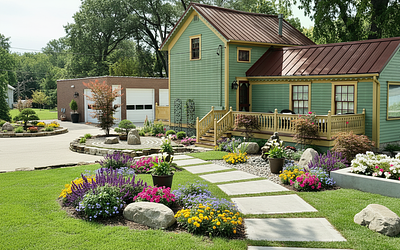
Zen Style
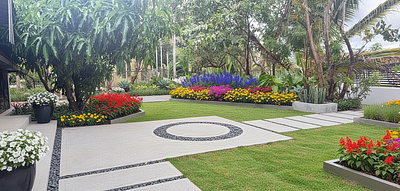
Modern Style

Cottage Style
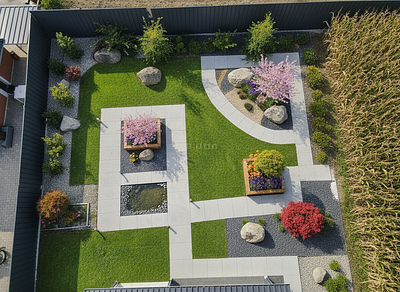
Zen Style
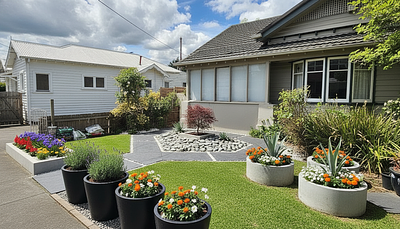
Modern Style

Modern Style

Cottage Style

Tropical Style
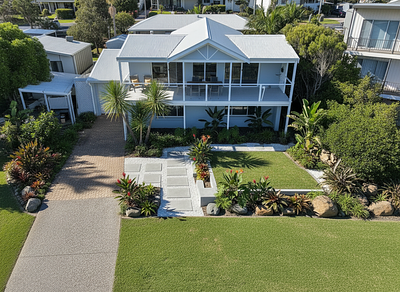
Tropical Style

Zen Style
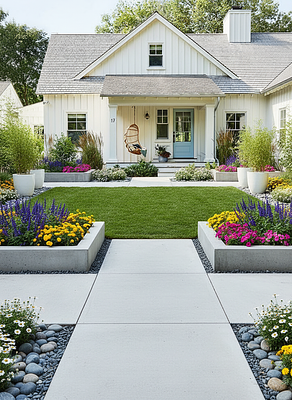
Modern Style
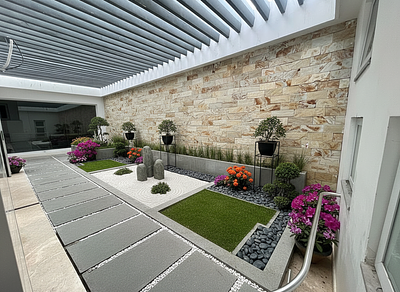
Zen Style
Your Dream Garden in Simple Steps
Stop guessing. Start designing. Watch your vision come to life.
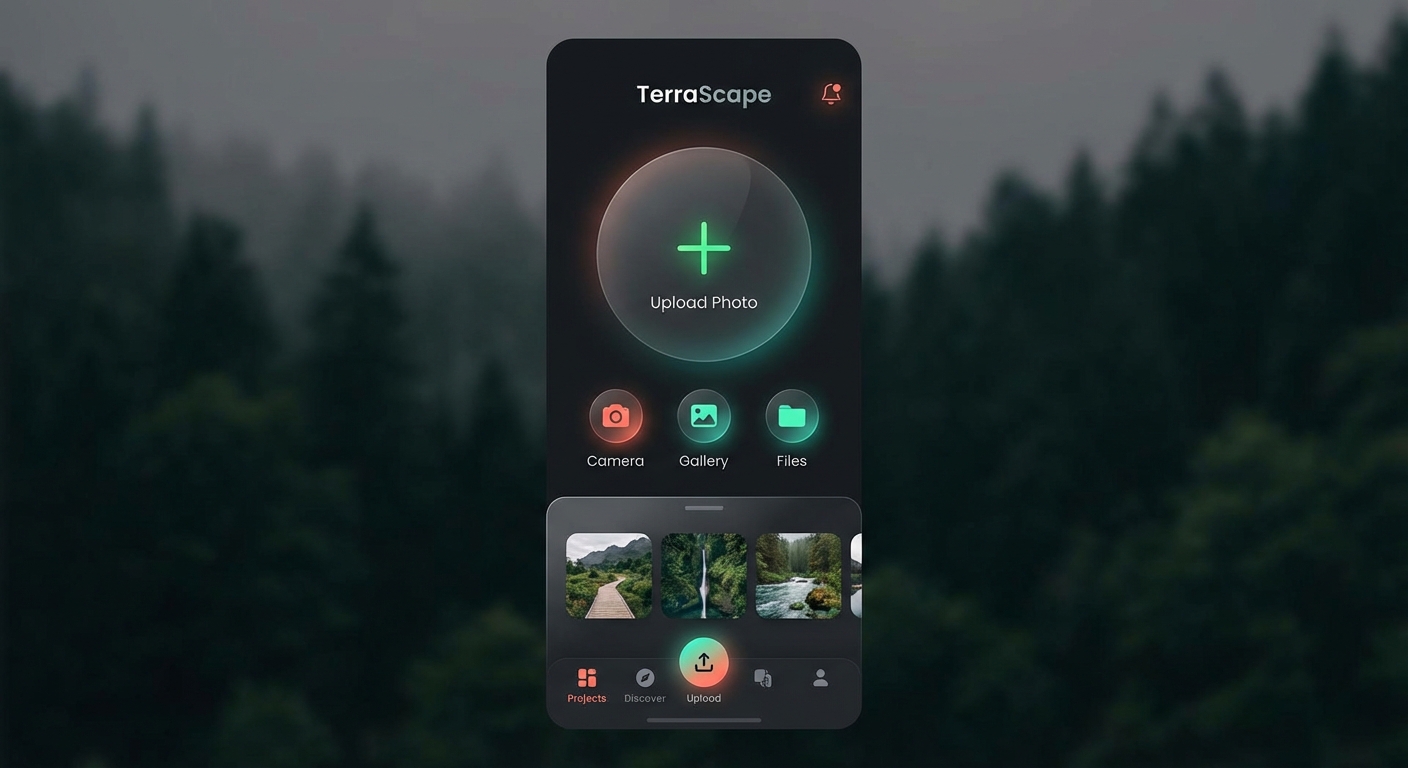
Upload Your Photo
Take or upload a photo of your area. Hadaa instantly uses it as the canvas for your AI design.
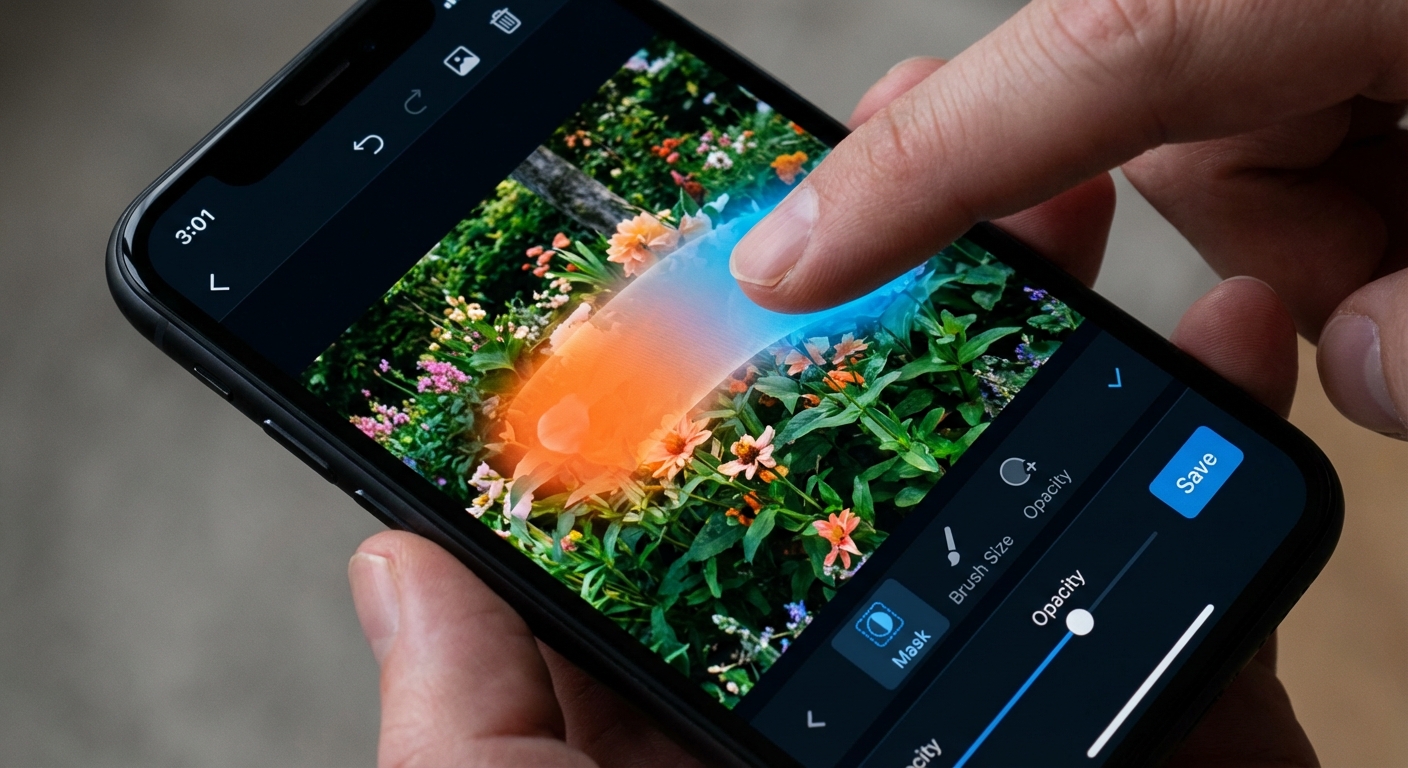
Brush to Modify
Use our intuitive brush tool to highlight only the areas you want us to modify. Precision control at your fingertips.
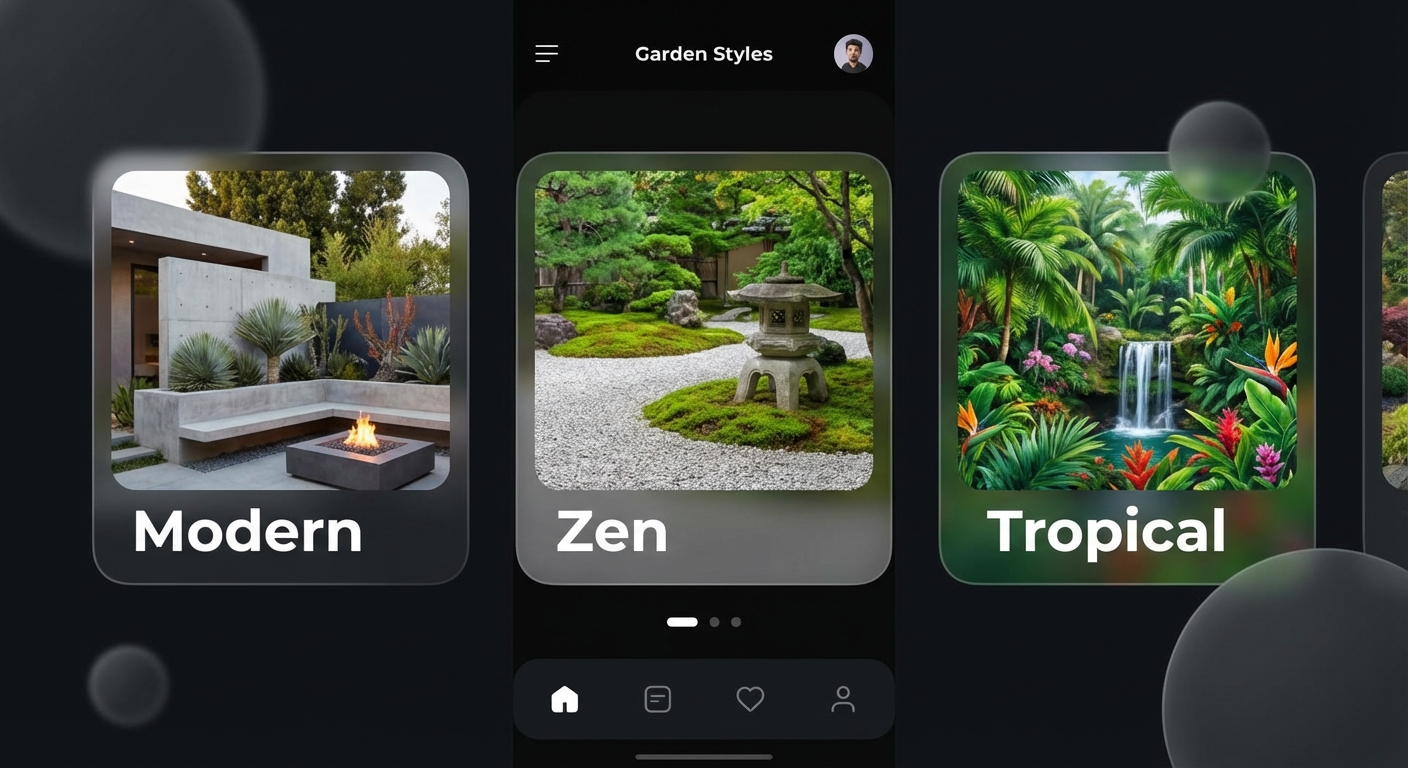
Select your Vibe
Choose a style from our collection of SOTA curated designs. From Zen Gardens to Modern Minimalist.
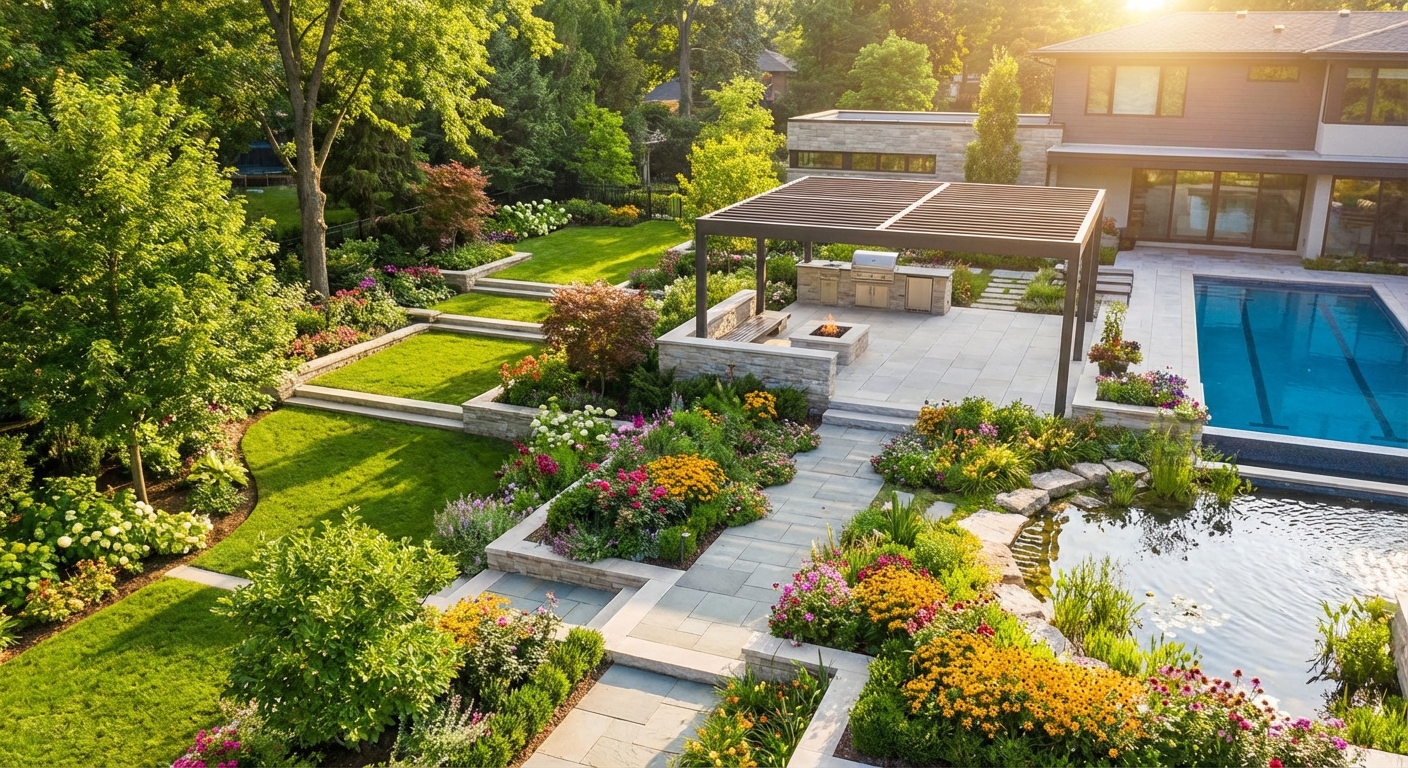
Hadaa Magic
Get stunning transformations of your space. Our AI understands depth, lighting, and perspective for photorealistic results.
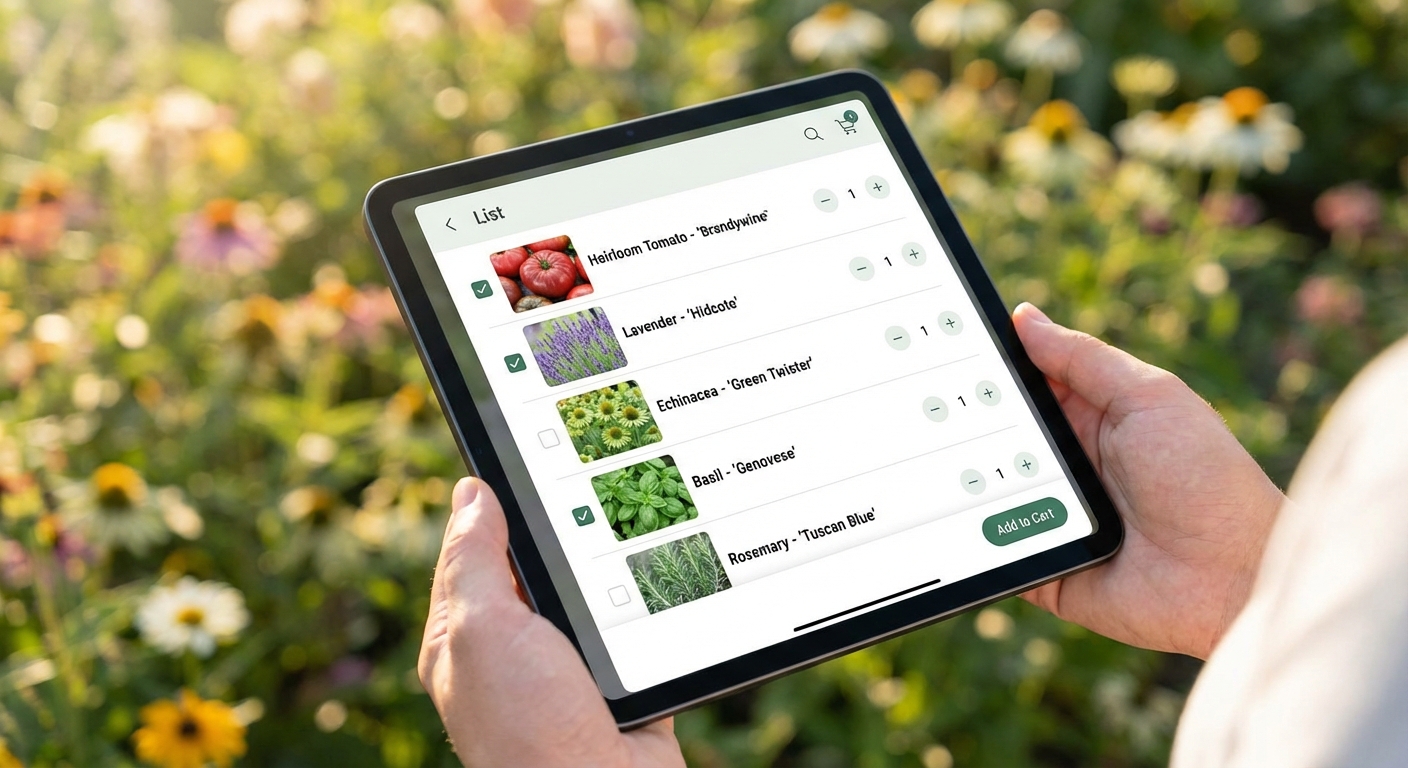
Planting Guide
Receive a shopping list and planting guide to bring your final design to life. Know exactly what to buy.
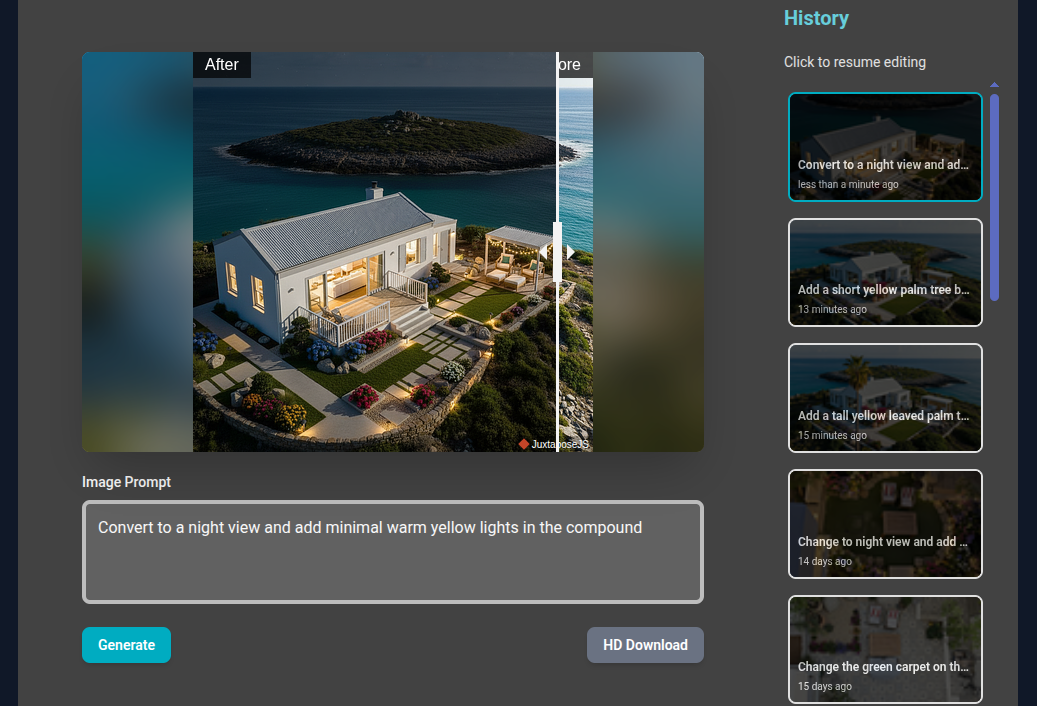
Take the Wheel!
Transform your results further with our clever, intuitive text editing model. Just type what you want to change.
Frequently Asked Questions
Is there a free plan? 🎁
Yes! We have a generous Free Plan. Try Hadaa with 40 free credits - no credit card required. Experience our photorealistic transformations with zero commitment.
What is the pricing model for Hadaa AI Landscaper?
Start with our Free Plan! Try our Mask Designer and AI Editor with no credit card required. After your free plan, Hadaa operates on a simple, transparent Pay-As-You-Go credit system . To begin, you purchase your first pack: $10 for 200 Usage Credits . You simply buy more credits when you need them.
What is Hadaa? How does the AI design work?
Hadaa is an AI-powered landscape design tool . You upload a photo, use our unique brush tool and text prompts to define changes, and the AI generates a photorealistic new garden design instantly.
Can I use text to edit my landscape design?
Yes! Our latest feature allows you to edit via text prompts . Say "Add a Zen garden" or "Change the deck to pavers" to instantly refine the areas you've brushed for precise AI modification .
Does Hadaa recommend plants for my specific area?
Absolutely. Hadaa uses your location and climate zone to provide tailored plant recommendations guaranteed to thrive locally. This ensures your garden is resilient and beautiful year-round.
Can I get a shopping list for my AI design?
Yes! Every finalized design generates a comprehensive shopping list of materials and plants. We also provide planting instructions and local links to help you purchase and implement your project seamlessly.
Looking for more detailed information?
Explore Complete FAQ & Help Center